
Manage risks and issues
A risk has not happened yet; an issue has. That distinction decides which register an entry belongs in, and the two are scored differently because you do different things with them.
Add a risk
Section titled “Add a risk”Open Risks and choose + Add Risk.
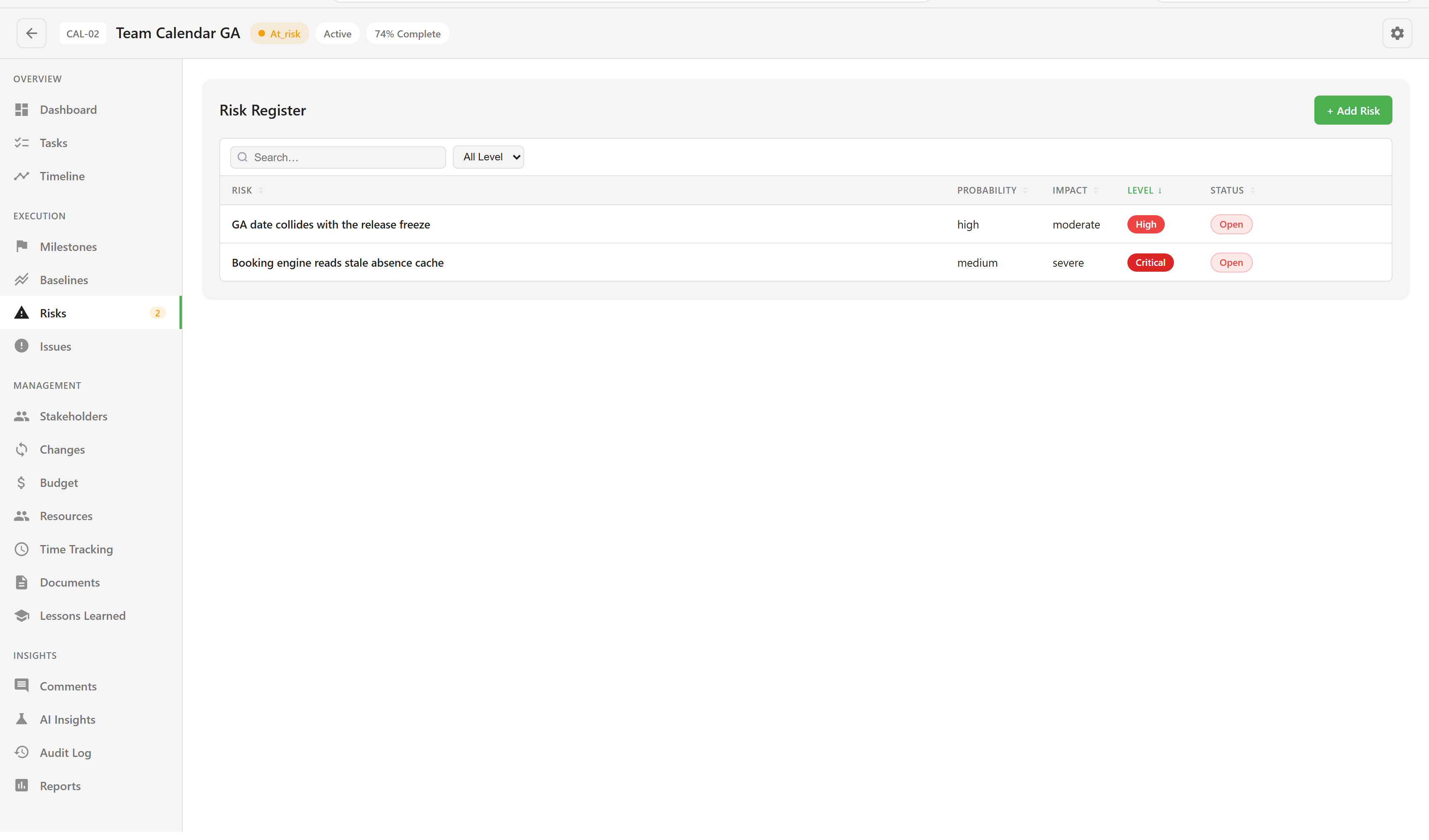
| Field | Notes |
|---|---|
| Title | Required. State the risk as a thing that could happen, not a topic. |
| Category | Technical, Schedule, Cost, Resource, External, Quality, Scope, or Other. |
| Probability | How likely, on a five-point scale. |
| Impact | How bad, on a five-point scale. |
| Risk Score | Derived from the two. |
| Response Strategy | Avoid, Mitigate, Transfer, or Accept. |
| Risk Owner | The person watching it. |
| Mitigation Plan | What reduces the likelihood or the damage. |
| Contingency Plan | What you do if it happens anyway. |
Score honestly rather than defensively. A register where everything is medium/medium tells a steering group nothing, and the point of the two axes is to separate the things that are merely annoying from the ones that would end the project.
The response strategy is a commitment, not a label. Accept is a legitimate answer, but it means somebody has decided to live with the consequence, so write the contingency plan for it.
Add an issue
Section titled “Add an issue”Open Issues and choose + Add Issue.
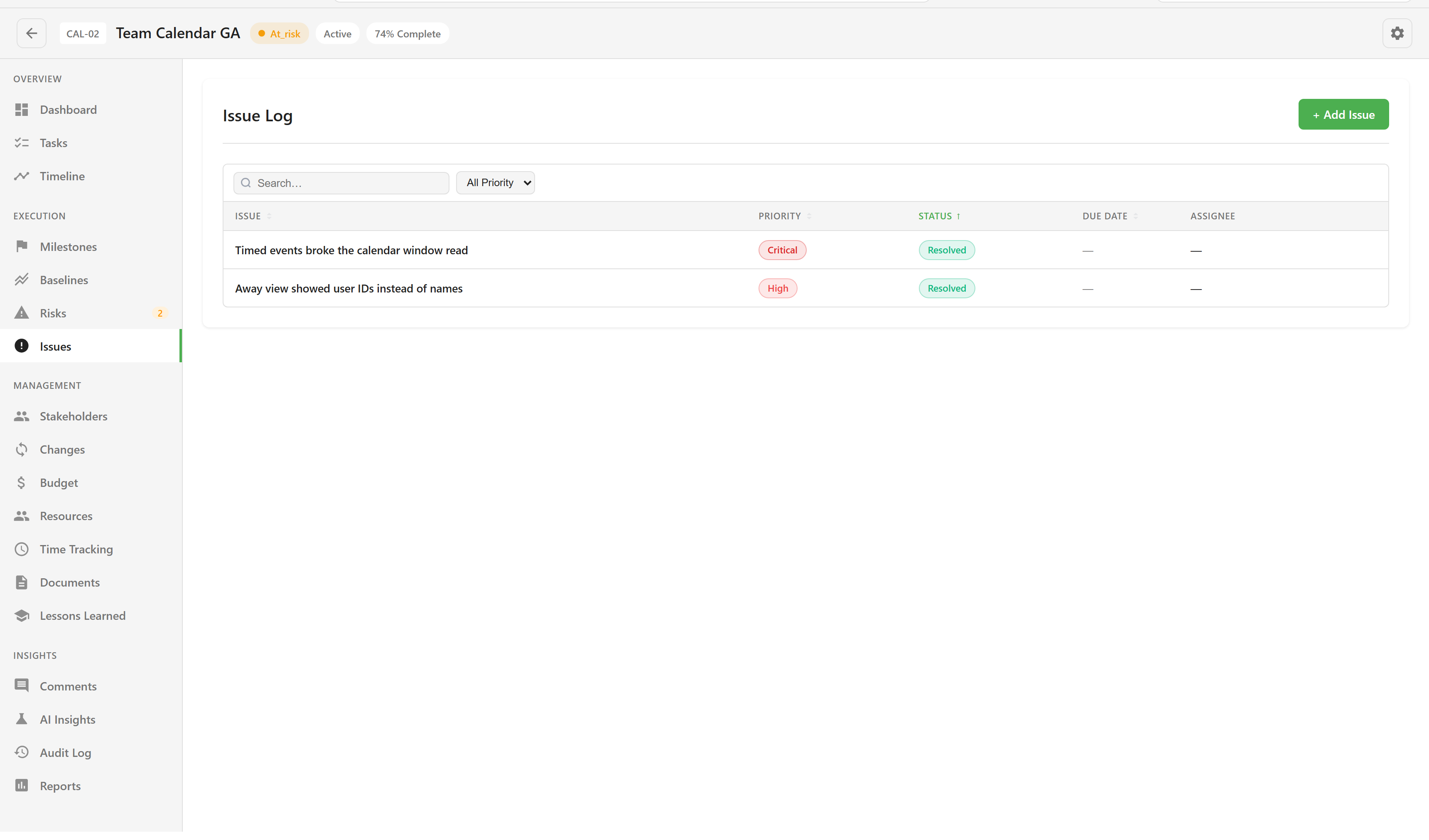
| Field | Notes |
|---|---|
| Title | Required. |
| Priority | Low, Medium, High, or Critical — how soon it needs attention. |
| Severity | Minor, Moderate, Major, or Severe — how much damage it is doing. |
| Status | Open, In Progress, Resolved, Closed, or Won’t Fix. |
| Due Date | When it needs to be dealt with. |
| Assigned To | Who is dealing with it. |
Priority and severity are separate on purpose. A cosmetic problem on the launch screen can be severe-looking and low priority; a silent data error can be minor to look at and critical to fix.
Keep the dashboard truthful
Section titled “Keep the dashboard truthful”Both registers feed the dashboard’s Quality tile, which counts open issues and active risks, and both put a count badge on their nav item. Those badges only count what is open: risks that are not closed, and issues that are neither closed nor resolved.
That makes closing entries part of the job rather than housekeeping. A register nobody closes reports a project as permanently in trouble, and people stop reading the tile.
Record what you learned
Section titled “Record what you learned”When a risk materialises or an issue turns out to be systemic, Lessons Learned takes the write-up as a success, an improvement, or a failure. It is the section that survives the project, and the one most worth filling in while the detail is fresh.
For how these feed reporting, see Report on progress.