
Export a chart
Charts exports in six formats from two places. Which you use depends on whether a person or a machine is going to read it.
From the designer
Section titled “From the designer”The export button in the toolbar opens the picture formats.
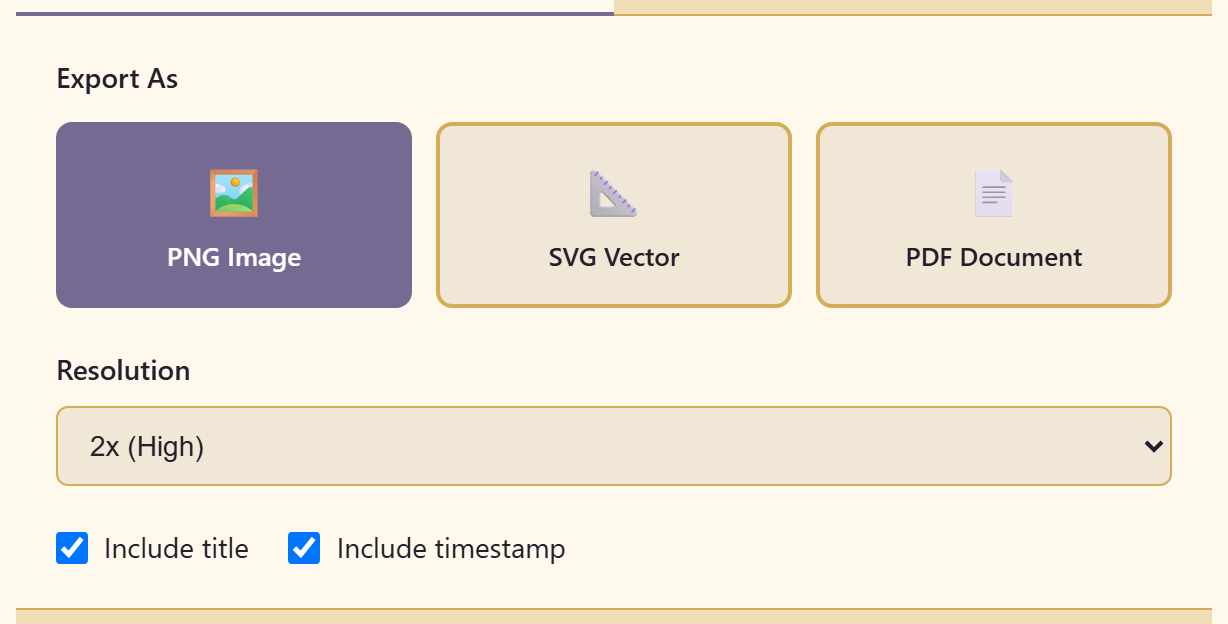
PNG image for slides, chat, and anywhere an image is expected.
SVG vector when it may be resized or edited later. It stays sharp at any size.
PDF document for something that will be printed or filed.
All three offer a resolution — 1x (Standard), 2x (High), or 4x (Ultra) — and switches for Include title and Include timestamp.
Use 2x for anything going on a screen. 1x looks soft on modern displays, and 4x produces large files for no visible gain unless it is going to print.
Include the timestamp on anything that describes a process. A picture of a workflow with no date on it will be treated as current long after it is not.
From the workspace
Section titled “From the workspace”A chart’s Actions menu has the same three picture formats plus three more.
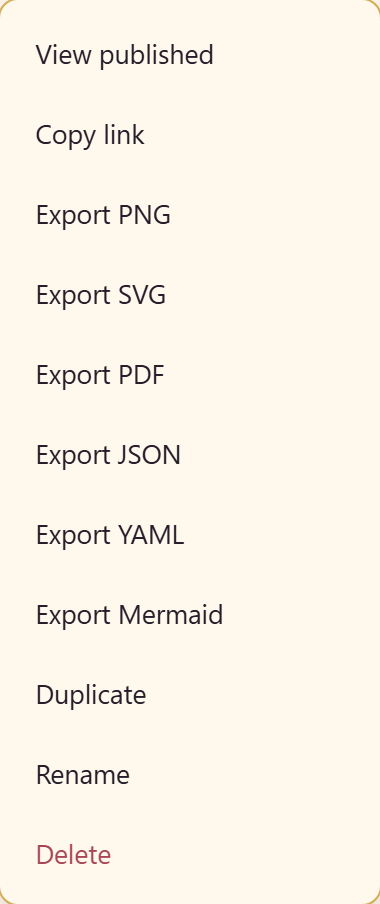
JSON is the chart’s full structure, for tooling that needs to read or generate charts.
YAML is the same information in a form people can read and edit by hand.
Mermaid is diagram-as-text. This is the one worth knowing about: Mermaid renders natively in most Markdown tooling and code hosting, so a chart exported this way can live in a repository next to the code it describes, and change with it.
The menu also has View published and Copy link for the published version.
Which to choose
Section titled “Which to choose”For a slide or a document, PNG at 2x.
For anything printed, PDF.
For a diagram that belongs with source code, Mermaid.
For a backup or a hand-off to another system, JSON.
What exports do not carry
Section titled “What exports do not carry”The picture formats export the picture. The process annotations — roles, durations, SLAs, risk — are not visible in a PNG unless you switched on Show badges on canvas first.
If the numbers are the point, either export the step table as CSV from Table view, or send the published link, which stays interactive.
Related
Section titled “Related”Review and publish covers the published view, which is usually better than an export for anything that will change.